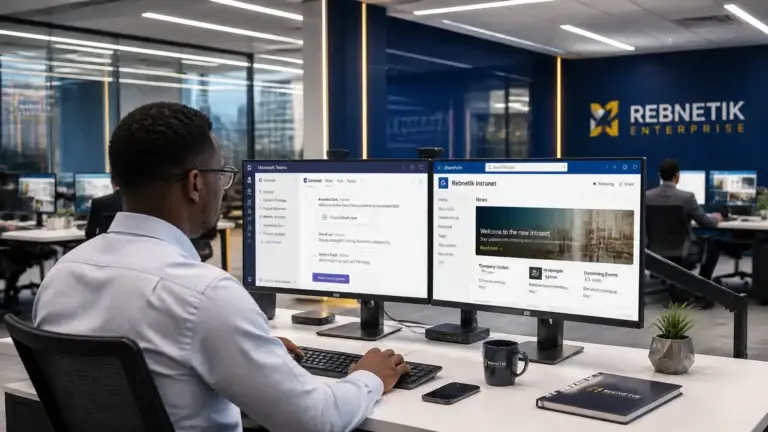

For many organizations in the DC Metro Area and Maryland, the distinction between a personal “Microsoft Account” and a “Work or School Account” has become dangerously blurred. This phenomenon, often termed the “Microsoft Identity Crisis,” occurs when employees use the same email address for both their personal Live/Hotmail services and their corporate Microsoft 365 environment.
Rebnetik Enterprise observes that this overlap is not merely a technical nuisance; it is a significant operational risk that can lead to data leaks, credential confusion, and compromised system uptime. To maintain a secure and efficient infrastructure, business leaders must prioritize the strategic separation of these identities.
The Risks of Identity Overlap
A common trigger for this problem is simple: a user first creates a personal Microsoft account, such as a Live account, with their business email address. Later, the organization creates a Microsoft 365 business account with that same address. Microsoft then presents two sign-in paths for the same email and asks the user to choose either a Personal or Business account.
That prompt creates avoidable risk. Users often select the wrong option, then continue working without realizing company files, email, or sync activity are now tied to the personal account instead of the managed business tenant. For small and medium businesses, this is a widespread issue that can expose sensitive data outside company controls.
When a single identity bridges the gap between personal and professional environments, several critical issues emerge:
- Data Leakage: Employees inadvertently save corporate documents to personal OneDrive accounts or share sensitive information through personal Outlook profiles.
- Access Loss: If an employee leaves the company and their primary work email is tied to a personal Microsoft Account, the organization may lose the ability to recover critical files or manage the account’s lifecycle.
- Authentication Failure: Users frequently encounter “login loops” where the system cannot distinguish which account is being accessed, leading to frustration and reduced productivity.
- Compliance Violations: For Maryland businesses subject to strict data privacy regulations, mixing personal and business data can result in non-compliance during audits.
Strategic IT consultation from Rebnetik Enterprise helps businesses identify these overlaps before they result in a breach. By evaluating the current infrastructure, the company provides clear recommendations to decouple these identities.

Technical Solutions for Identity Separation
Protecting company assets requires a combination of user policy and technical guardrails. Rebnetik Enterprise advocates for a vendor-agnostic approach that prioritizes the client’s mission over specific software limitations.
1. Rename and Relocate
The most direct solution is to rename the personal Microsoft Account (MSA). By associating the personal account with a non-work email address (e.g., @gmail.com or @outlook.com), the overlap is eliminated at the source. This process ensures that the @company.com address remains strictly for Entra ID (formerly Azure AD) business use. It also removes the misleading “Personal or Business” choice that causes users to click the wrong account and sync company data into a personal profile.
2. Implement Mobile Application Management (MAM)
For businesses with “Bring Your Own Device” (BYOD) policies, technical controls like Microsoft Intune can enforce separation. MAM policies allow the company to protect corporate data within apps like Outlook and Teams without managing the employee’s entire personal phone. These policies:
- Prevent the copying of work data into personal apps.
- Control where work files are saved.
- Wipe corporate data remotely if the device is lost or the employee departs.
3. Use Dedicated Browser Profiles
To improve daily efficiency and reduce sign-in conflicts, employees should utilize separate browser profiles in Microsoft Edge or Google Chrome. One profile remains signed into the work account, while the other handles personal activities. This simple change reduces downtime, protects operations, and improves the overall user experience.

Strategy Over Software: The Rebnetik Approach
Technology is a tool, not a destination. Rebnetik Enterprise focuses on maximizing the value of existing technology investments before suggesting new purchases. In the context of identity management, this means auditing your current Microsoft 365 tenant to ensure features like Conditional Access and Data Loss Prevention (DLP) are correctly configured to mitigate risk.
As a dedicated IT advocate for Maryland and DC businesses, Rebnetik Enterprise acts as a single point of contact for vendor management. This allows business owners to focus on their mission while the technical details of identity conflicts are handled with professional precision.
Actionable Outcomes for Business Decision-Makers
To resolve the Microsoft identity crisis, Rebnetik Enterprise recommends the following strategic actions:
- Audit Identities: Conduct a technology assessment to identify which users have overlapping personal and business accounts.
- Enforce MFA: Strengthen security by requiring Multi-Factor Authentication for all business accounts to prevent unauthorized access from personal account compromises.
- Deploy Intune: Use endpoint management services to create a hard boundary between personal data and corporate assets.
- Educate Staff: Provide clear guidance on the “why” and “how” of identity separation, including how to recognize and avoid the “Personal” vs. “Business” sign-in prompt error, to build a culture of security awareness.

Recover Control of Your Corporate Identity
The “Microsoft Identity Crisis” is a solvable problem that requires immediate attention to protect your organization’s integrity. By separating personal and business accounts, your company can reduce the risk of data leaks, improve operational uptime, and maintain a professional posture in a competitive market.
Rebnetik Enterprise provides the strategic IT consultation necessary to align your technology with your long-term vision. Whether you need a comprehensive technology assessment or managed IT security in the Maryland area, the goal is to provide responsive daily support that prioritizes your success.
#REDUCE RISK. #PROTECT DATA. #CONTROL IDENTITY.
For more information on how to optimize your IT infrastructure, explore the managed IT services Maryland businesses need or contact Rebnetik Enterprise for a strategic consultation.